What Should a Church Website Include? The Essential Pages and Elements
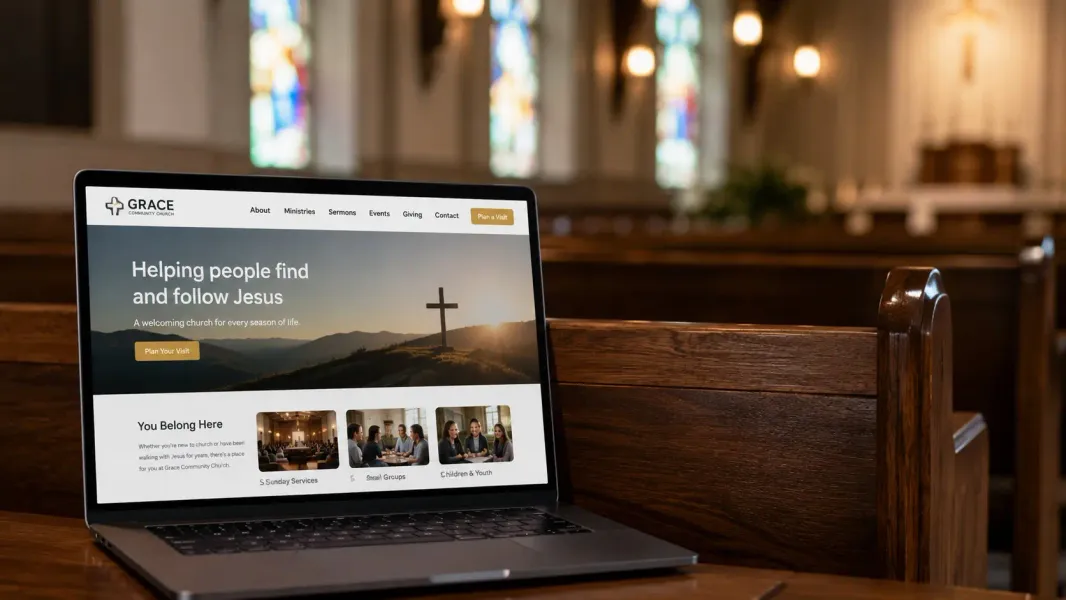
One of the questions we get most often from pastors is some version of “what does our website actually need to have?” There’s a temptation to either overthink it — building out ten pages of content before anyone visits the site — or underthink it, putting up a single page with an address and calling it done.
Neither approach serves your congregation or the people you’re trying to reach.
This guide covers exactly what a church website should include, what it should do on each page, and what you can safely skip — especially when you’re just getting started.
Start With One Clear Goal: Help New Visitors Decide to Show Up
Before we talk about specific pages, it helps to understand what a church website is actually for. Unlike an e-commerce site that sells products or a news site that hosts content, a church website has one primary job: help someone who doesn’t know you decide that your church is worth visiting.
Everything on your site should serve that goal. If a page or section doesn’t help a potential visitor understand who you are, what to expect, or how to find you, it’s probably not essential — at least not yet.
With that in mind, here are the essential elements every church website needs.
1. A Homepage That Answers “What Is This Church?”
Your homepage is almost always the first page a visitor sees. It needs to answer three questions in the first few seconds:
- Who are you?
- What kind of church is this?
- Is this a place for me?
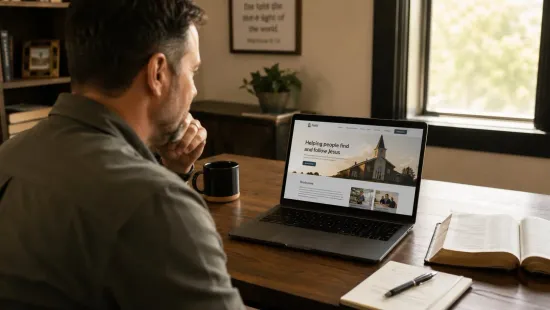
That means a clear name and tagline, a photo or image that gives a feel for your congregation, your service times displayed prominently, and a simple statement about your church’s identity. You don’t need a wall of text. A headline, two or three sentences about your church, and a clear call to action (“Plan Your Visit” or “Join Us This Sunday”) goes a long way.
What most churches get wrong on their homepage is either making it too generic (“A welcoming community of faith”) or too dense (three paragraphs of history before you even see a photo). Think of it like a handshake — warm, clear, and confident.
2. Service Times and Location (Make It Impossible to Miss)
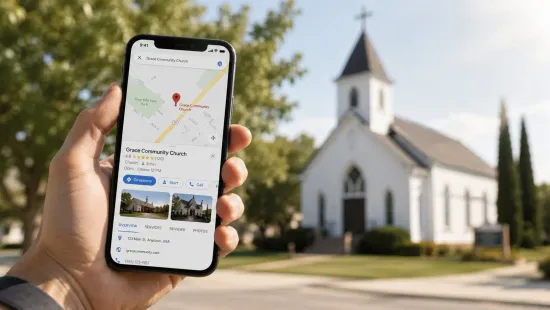
This sounds obvious, but you’d be surprised how many church websites bury the most important information. Your address, service times, and a link to Google Maps directions should be easy to find from any page on your site — not just the homepage.
A visitor looking for your service times should never have to search more than one click. If they have to dig through menus or scroll through a long page to find out when you meet, some of them will give up.
Best practice: put service times and address in the footer of every page, and make them prominent on the homepage. If you have multiple campuses or services, list them all clearly with locations.
3. A “New Here” or “Plan Your Visit” Page
This is the page that does the most work for first-time visitors, and it’s the one most church websites skip. A dedicated “New Here” page answers all the questions a newcomer might feel too awkward to ask:
- What should I wear?
- Where do I park?
- What happens during the service?
- How long does the service run?
- Is there childcare or children’s programming?
- Will anyone pressure me to do anything?
Think about the anxiety that can come with walking into a room full of strangers who all seem to know each other. Your “Plan Your Visit” page is the thing that reduces that anxiety before they even arrive. It communicates that you’ve thought about their experience, you’re expecting them, and you want them to feel comfortable.
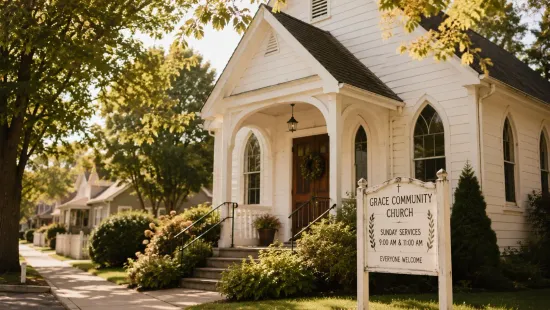
This page doesn’t need to be long. A few paragraphs, a photo of your building exterior so they can recognize it, and honest answers to the questions above will do the job.
4. About Your Pastor and Leadership
People want to know who leads a church before they commit to showing up. A brief bio of your pastor — a photo, their name, a paragraph or two about their background and heart for ministry — goes a long way toward making your church feel like a real community rather than an anonymous organization.
If you have additional staff or elders you want to highlight, this is the place for it. Keep it human. A casual, genuine bio reads better than a formal résumé. People aren’t evaluating credentials — they’re deciding whether this person seems like someone they’d want to learn from.
5. An Events or What’s Coming Up Page
If your church has regular events — small groups, outreach programs, special services — a simple events page or calendar keeps visitors and members informed. It also signals that your church is active and engaged, which matters to someone who is evaluating whether your congregation is alive and thriving.
You don’t need a complicated events system. Even a simple list with dates, brief descriptions, and any relevant details is better than nothing. The key is keeping it current. An events page showing things from six months ago actually hurts more than it helps, so only include this if someone can keep it reasonably up to date.
6. A Contact Page With a Real Form
Your contact page needs to make it easy for someone to get in touch. That means a form they can fill out — not just an email address they have to copy and paste into their own email app.
Include your phone number if you’re comfortable with it, your mailing or physical address, and a simple form asking for name, email, and message. If you want to make it slightly more useful, add a field asking what they’d like help with (general questions, prayer request, membership information, etc.).
The follow-up is on you. If someone submits a contact form and doesn’t hear back within a day or two, that’s a missed connection. Set up email notifications so form submissions don’t get lost.
7. Online Giving (Optional but Worth Considering)
Not every small church is ready to add online giving right away, and that’s fine. But if your congregation would benefit from it, integrating a giving link on your website is straightforward and can meaningfully increase consistent generosity — especially from younger members who rarely carry cash or checks.
Services like Tithe.ly, Pushpay, or even a simple PayPal or Venmo link can work depending on your setup. You don’t need a complex system to get started.
What Your Church Website Does NOT Need (Right Away)
It’s worth being clear about what you can skip, especially when you’re just getting started:
- A blog or news section unless you’re committed to posting regularly. An empty blog with one post from two years ago is worse than no blog.
- A full sermon archive unless it’s well-organized. A few recent sermons is fine; a disorganized library is distracting.
- A detailed history page. Most first-time visitors don’t need to know your church was founded in 1987. Save the history for after someone visits.
- A members-only portal. This adds complexity you likely don’t need early on.
The Technical Side: What Makes a Church Website Work Well
Beyond the content, there are a few technical elements that matter for both user experience and how Google treats your site:
Mobile responsiveness: Most people will view your website on a phone. If your site looks broken or awkward on mobile, that’s a bad first impression. Every page should be readable and navigable on a small screen.
Page speed: Slow sites drive people away. Your hosting and how images are handled affect this significantly.
SSL certificate: The padlock icon in the browser address bar. This keeps your site secure and is now essentially required — Google flags sites without it.
Basic SEO: Your page titles, descriptions, and the way your content is organized affects whether you show up in local searches. Even basic on-page SEO makes a real difference for a local church.
How The 1615 Project Builds Church Websites
Our standard package includes a professionally designed 5-page website that covers every essential element: a homepage, about page, service information, contact page, and a new visitor page. It’s built to be fast, mobile-friendly, and secure — and we handle all maintenance and updates on an ongoing basis for one flat monthly rate.
If you’re ready to get your church online without the headaches, take a look at what’s included or book a free 15-minute call. We’ll answer your questions and let you know exactly what to expect.